How it works · Guide
Security and access
How devices prove who they are, how policies limit what they can do, and how keys are handled.
Updated 11 Nov 20262 min read
All ThingsX IoT Core pages
- What ThingsX IoT Core does
- Quick start: connect your first device
- Key concepts
- Security and access
- Connect Wi-Fi and IoT devices
- BLE gateways, shelf labels and child devices
- LoRaWAN sensors and gateways
- Industrial I/O modules
- Device twins and state
- Send commands to devices
- Rules: react to device messages
- SDK and REST API
- Monitor your fleet and support customers
- Moving from another IoT platform
- From AWS IoT Core
- From Azure IoT Hub and other platforms
- Device can't connect
- Devices keep disconnecting or reconnecting
- Data isn't arriving or a rule doesn't fire
- Frequently asked questions
- Topics and limits reference
Every connection is encrypted
Devices connect over TLS: MQTT on port 8883 or MQTT over secure WebSocket on port 8443. Plain MQTT on 1883 is only for devices on a private network that can't do TLS, and only with a password.
Two ways to sign in
| Method | Best for | Notes |
|---|---|---|
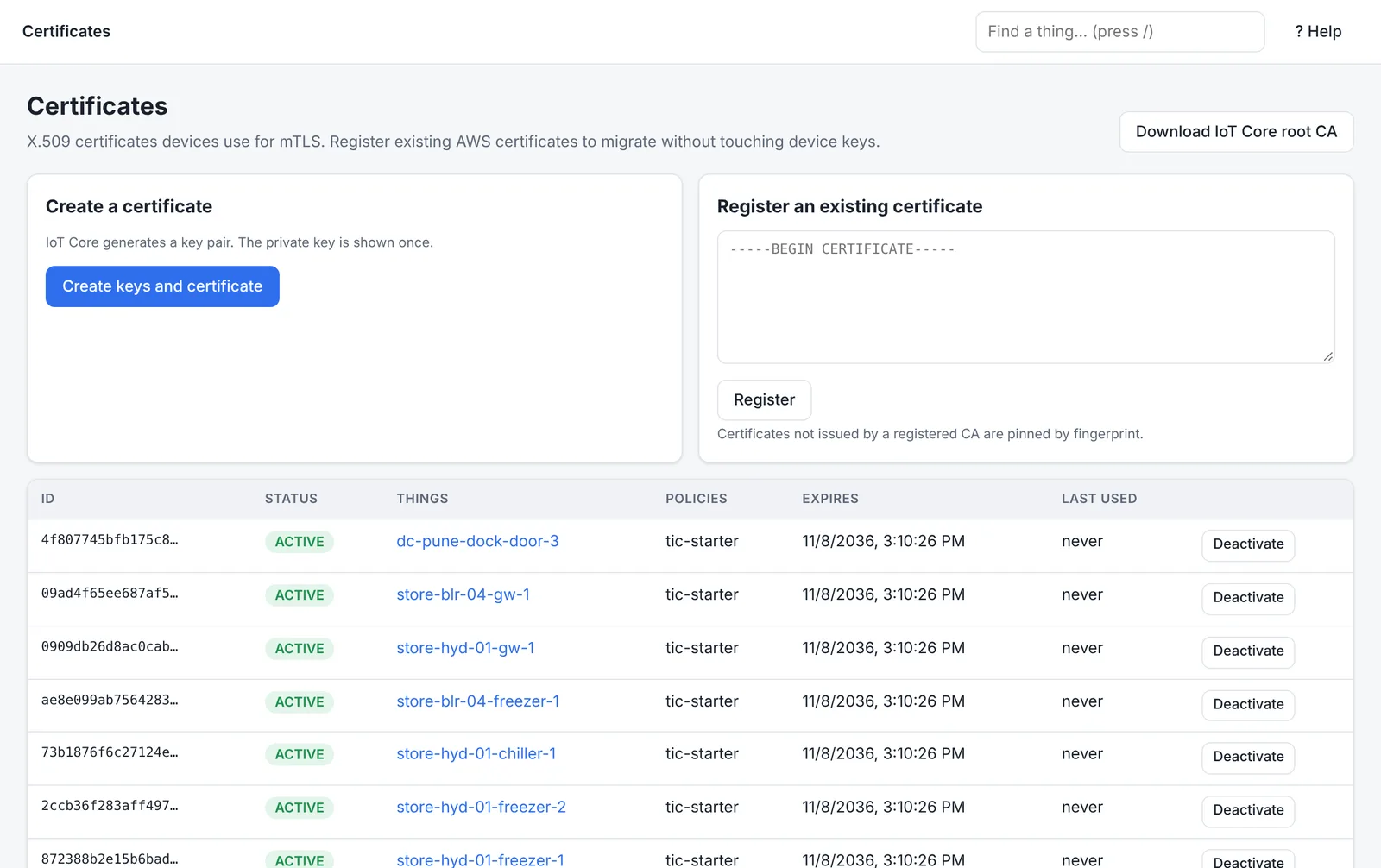
| X.509 certificate (mutual TLS) | Production devices | IoT Core can issue the certificate and key, sign a CSR from the device so the key never leaves it, or register a certificate you already have. |
| Password credential | Devices that can't hold a certificate, quick tests | The username and password are checked on connect; use TLS. |
Certificates have a status: Active, Inactive or Revoked. Deactivating a certificate stops new connections at once.
Policies: least privilege by default
Get started gives each device a starter policy that lets it connect as itself and use only its own topics. You can write your own:
{
  "Version": "2012-10-17",
  "Statement": [
    { "Effect": "Allow", "Action": ["iot:Connect"], "Resource": ["client/${iot:Connection.Thing.ThingName}"] },
    { "Effect": "Allow", "Action": ["iot:Publish"], "Resource": ["topic/tic/things/${iot:Connection.Thing.ThingName}/*"] },
    { "Effect": "Allow", "Action": ["iot:Subscribe", "iot:Receive"], "Resource": ["topicfilter/tic/things/${iot:Connection.Thing.ThingName}/commands/#", "topic/tic/things/${iot:Connection.Thing.ThingName}/commands/*"] }
  ]
}
Anything not allowed is denied. A Deny statement always wins over an Allow.
Keys and secrets
- Private keys created by IoT Core are shown once at creation and never stored.
- Keep the private key on the device only; don't email it or put it in source control.
- Rotate certificates before they expire. The Overview and the device's Diagnose tab warn about certificates expiring within 30 days.
Every decision has a reason
When a connection is refused or a publish is denied, IoT Core records why, for example CERT_REVOKED or a denied topic. See Device can't connect for every reason and its fix.
Was this page helpful?
Can't find what you need? Contact support or read about ThingsX IoT Core.