How it works · Guide
Key concepts
Things, groups, certificates, policies, twins, commands, rules and telemetry, and how they fit together.
Updated 11 Nov 20262 min read
All ThingsX IoT Core pages
- What ThingsX IoT Core does
- Quick start: connect your first device
- Key concepts
- Security and access
- Connect Wi-Fi and IoT devices
- BLE gateways, shelf labels and child devices
- LoRaWAN sensors and gateways
- Industrial I/O modules
- Device twins and state
- Send commands to devices
- Rules: react to device messages
- SDK and REST API
- Monitor your fleet and support customers
- Moving from another IoT platform
- From AWS IoT Core
- From Azure IoT Hub and other platforms
- Device can't connect
- Devices keep disconnecting or reconnecting
- Data isn't arriving or a rule doesn't fire
- Frequently asked questions
- Topics and limits reference
The building blocks
| Concept | What it is |
|---|---|
| Thing | A device in the registry: its name, family (Wi-Fi, BLE gateway, ESL, LoRa, IIO, camera), type, attributes (such as store or zone) and, for children, its parent gateway. |
| Thing type and group | Types describe a model of device; groups collect things, for example all devices in one store. |
| Principal | How a device proves who it is: an X.509 certificate or a password credential. A principal is attached to a thing. |
| Policy | A JSON document saying what a principal may do: connect, publish, subscribe and receive, on which topics. Attached to principals. |
| Twin | The device's state as JSON: desired (what you want), reported (what the device says) and the delta between them. |
| Command | A message to a device that is stored, delivered, retried and acknowledged: queued → sent → acked or failed. |
| Rule | A SQL statement that selects messages from topics and acts on them: republish, call an HTTP endpoint, send to a queue, update a twin or send a command. |
| Telemetry and events | Numeric fields in device messages become metrics you can chart; events and connection decisions land on the device's timeline. |
How they connect
- 1Thingthe device in the registry
- 2Principalcertificate or password, attached to the thing
- 3Policyattached to the principal
- 4Connectionclient ID = thing name
- 5Topicstelemetry, events, twin, commands
The client ID a device uses must equal its thing name. That lets one policy cover a whole fleet safely: a policy can say "a device may only publish to its own topics" with the variable ${iot:Connection.Thing.ThingName}.
Online, offline and last seen
- A directly connected device is online while its MQTT session is open.
- A child device (an ESL behind a gateway, a LoRa sensor) is online when traffic for it arrived in the last 15 minutes and its gateway is online.
- Last seen is the time of the latest message or connection, whichever is newer.
Where things are in the console
| Screen | What you do there |
|---|---|
| Overview | Health of every device family; refusals, disconnects and commands waiting |
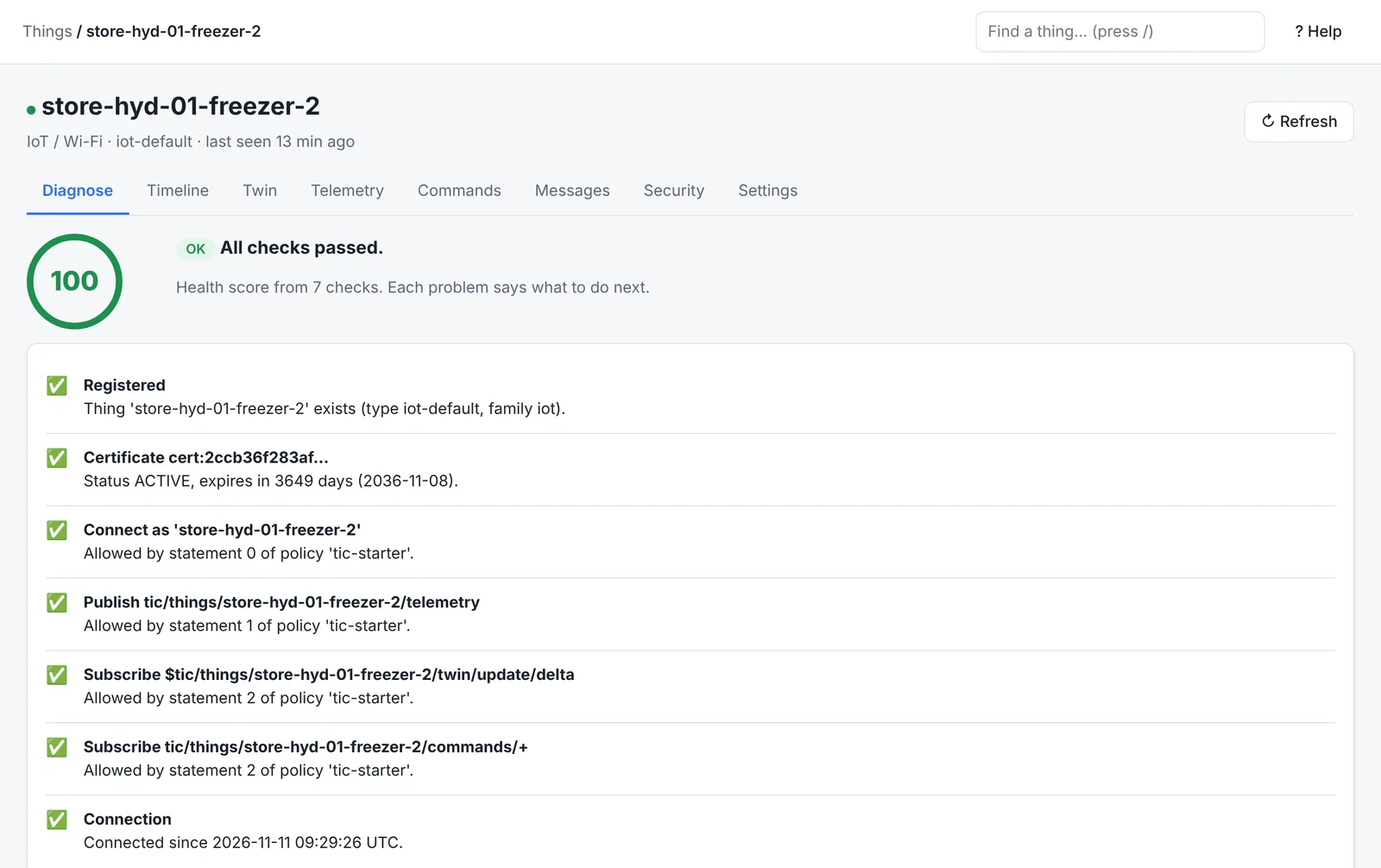
| Things | Find devices by name or attribute; open one for Diagnose, Timeline, Twin, Telemetry, Commands, Messages and Security |
| Event log | Every connection decision and device event, with its reason |
| Get started | Create a device with credentials, a policy and sample code |
| Rules | Write rules and test them against a sample message before saving |
| Certificates, Passwords, Policies | Manage credentials and permissions; the policy simulator answers "would this be allowed?" |
Was this page helpful?
Can't find what you need? Contact support or read about ThingsX IoT Core.