Get started · Guide
What ThingsX IoT Core does
One device cloud for Wi-Fi devices, BLE gateways with shelf labels, industrial I/O and LoRaWAN sensors, with a console built for fixing problems fast.
Updated 11 Nov 20262 min read
All ThingsX IoT Core pages
- What ThingsX IoT Core does
- Quick start: connect your first device
- Key concepts
- Security and access
- Connect Wi-Fi and IoT devices
- BLE gateways, shelf labels and child devices
- LoRaWAN sensors and gateways
- Industrial I/O modules
- Device twins and state
- Send commands to devices
- Rules: react to device messages
- SDK and REST API
- Monitor your fleet and support customers
- Moving from another IoT platform
- From AWS IoT Core
- From Azure IoT Hub and other platforms
- Device can't connect
- Devices keep disconnecting or reconnecting
- Data isn't arriving or a rule doesn't fire
- Frequently asked questions
- Topics and limits reference
ThingsX IoT Core connects your devices securely, keeps track of every one of them, and gets their data to your applications. It uses the ideas IoT teams already know (things, groups, certificates, policies, twins, commands and rules) over open standards: MQTT, WebSocket, REST and X.509 certificates.
What you can connect
| Device family | How it connects | Typical examples |
|---|---|---|
| Wi-Fi / IoT devices | Directly, over MQTT with a certificate or a password | Freezer sensors, controllers, Linux boxes, cameras |
| BLE gateways and their children | The gateway connects; labels and sensors behind it are tracked as child devices | ThingsX ESL gateways and shelf labels |
| LoRaWAN sensors | Through LoRaWAN gateways; added with their DevEUI and AppKey | Cold-room probes, door counters, meters |
| Industrial I/O | Directly, or behind a gateway like a child | Dock doors, motors, PLC I/O modules |
How it works
- 1Register a devicea thing with a certificate or password
- 2Attach a policywhat it may publish and subscribe to
- 3Device connectsover TLS on MQTT or WebSocket
- 4Messages flow intelemetry, events and twin updates
- 5Rules act on themrepublish, HTTP, queues, commands
- 6Your apps use the dataREST API, SDK, webhooks
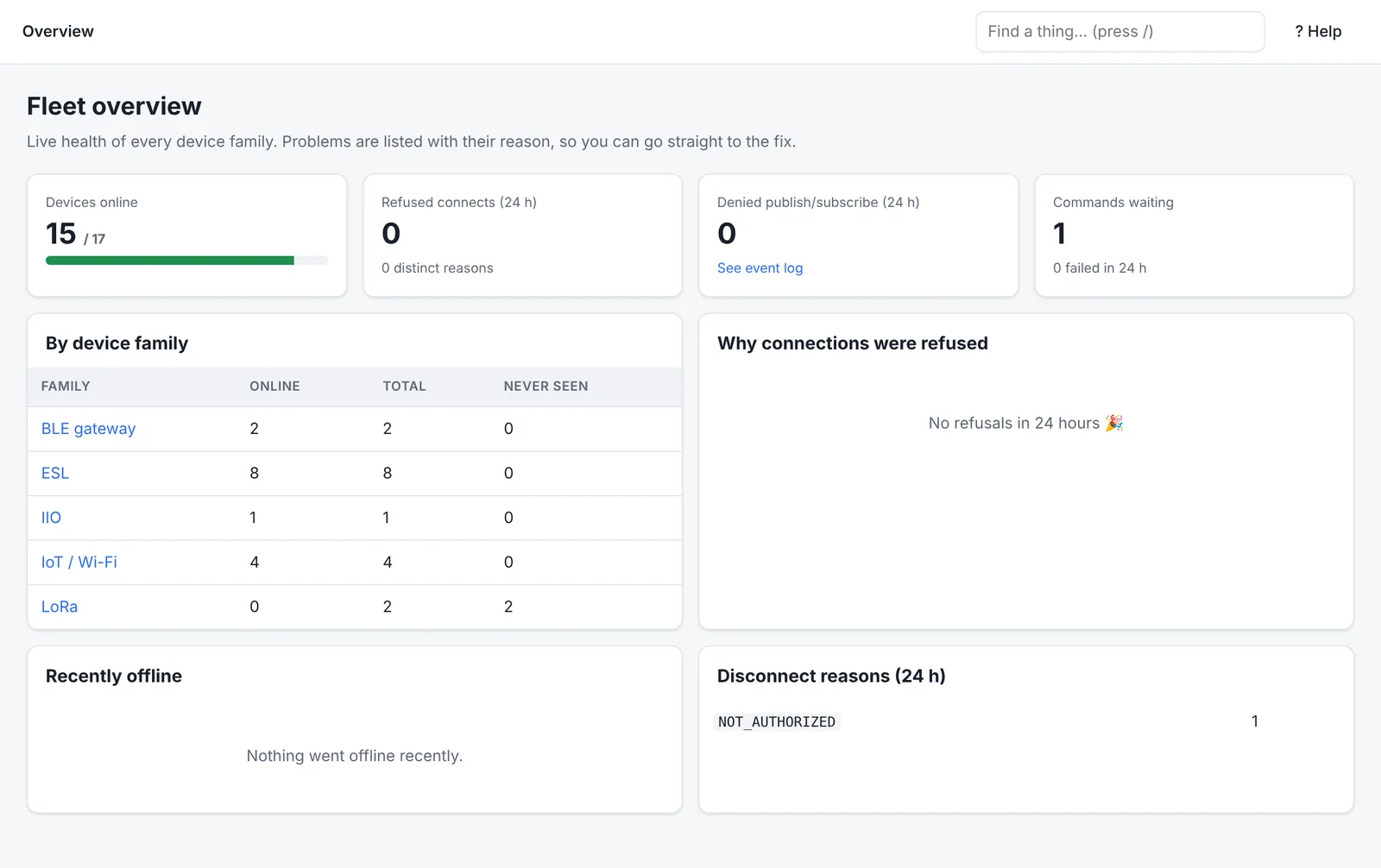
Every connection decision is recorded with a reason. When a device can't connect or publish, the console tells you why and what to change, so support doesn't start with guesswork.
What makes it different
- A console for troubleshooting, not just configuration. Every device has a Diagnose tab with a health score and plain-language checks, a timeline of connects, refusals and messages, and a ticket-ready summary for support.
- LoRaWAN built in. LoRa sensors are registered, secured and monitored next to your other devices, with uplinks becoming telemetry and downlinks sent as commands.
- Gateways and their children. Shelf labels and sensors behind a BLE gateway show as their own devices, with battery, signal and online status.
- Familiar concepts. If your team has used a cloud IoT service before, the building blocks are the same, and devices can keep their certificates when you move.
- Managed or in your own cloud. Use our managed service, or run it in your own cloud account.
Next
Was this page helpful?
Can't find what you need? Contact support or read about ThingsX IoT Core.